What is an EZ Grader? Complete Guide for Teachers
An EZ grader is one of the most useful tools a teacher can have. If you have ever spent an evening calculating test scores by hand you already know how slow and error-prone that process gets. An EZ grader eliminates all of that in seconds.
This guide explains exactly what an EZ grader is, how it works, who uses it and how you can start using one free today.
What is an EZ Grader?
An EZ grader is a grading tool that converts wrong answers into percentage scores and letter grades instantly. You enter two numbers — total questions and wrong answers — and the tool calculates everything automatically.
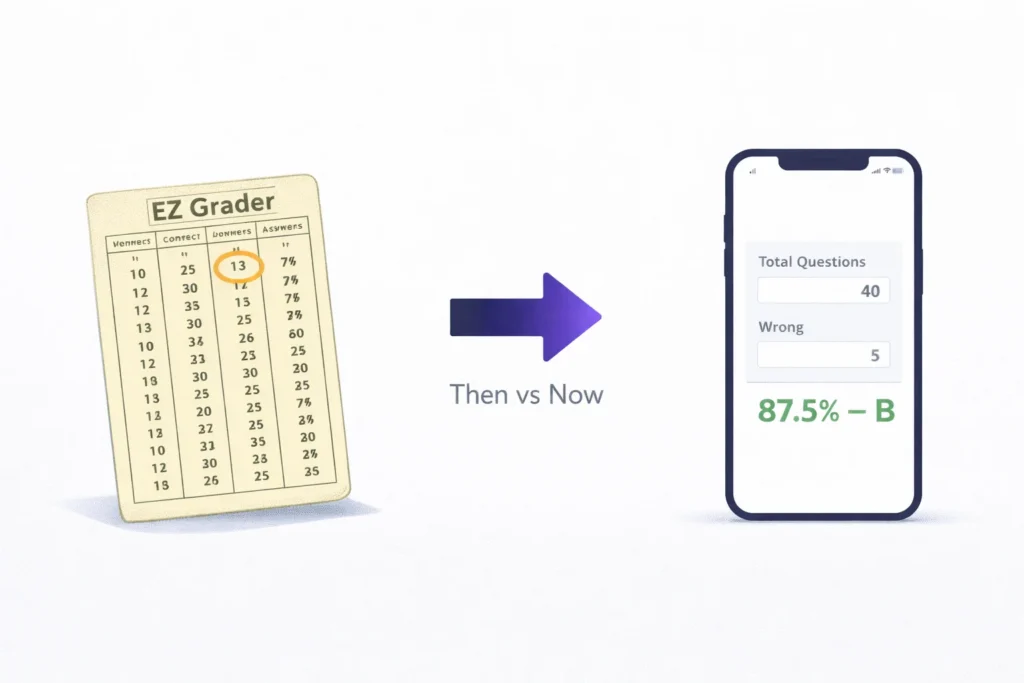
The original EZ grader was a physical sliding paper card invented decades ago. Teachers would slide a tab to match their question count and read off the grade for any number of wrong answers. It saved time compared to manual math.
Today free digital tools like Easy Grader Calc have replaced the paper card entirely. They do the same job faster, support up to 500 questions and generate a complete grading chart automatically — all at zero cost.
How Does an EZ Grader Work?
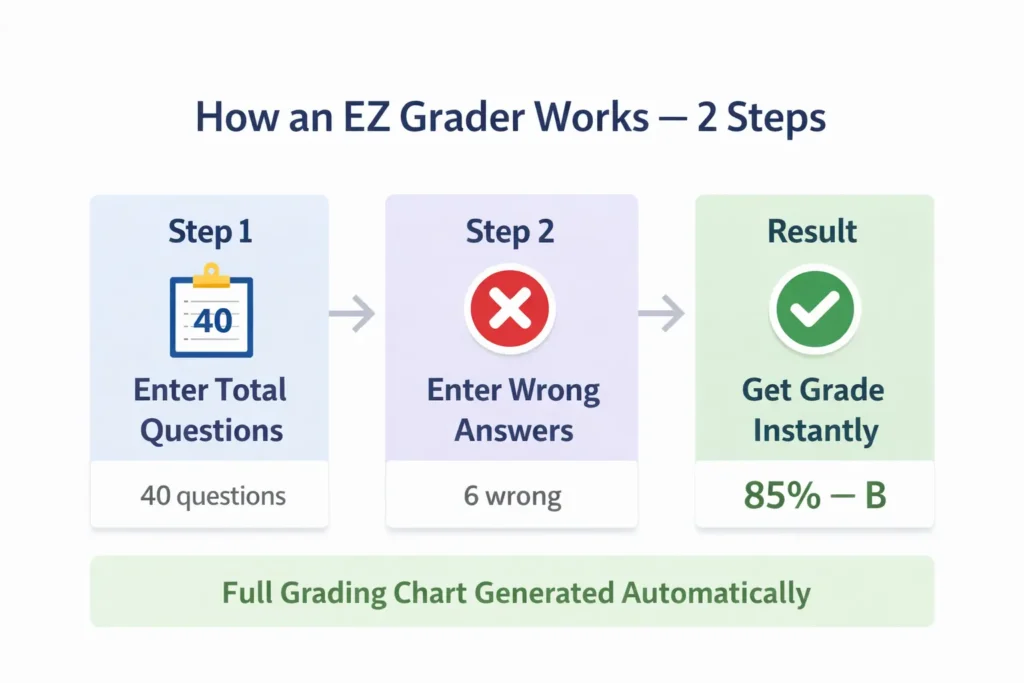
The calculation behind every EZ grader is straightforward. It uses two simple steps:
Step 1 — Find Correct Answers:
Correct Answers = Total Questions − Wrong AnswersStep 2 — Calculate Percentage:
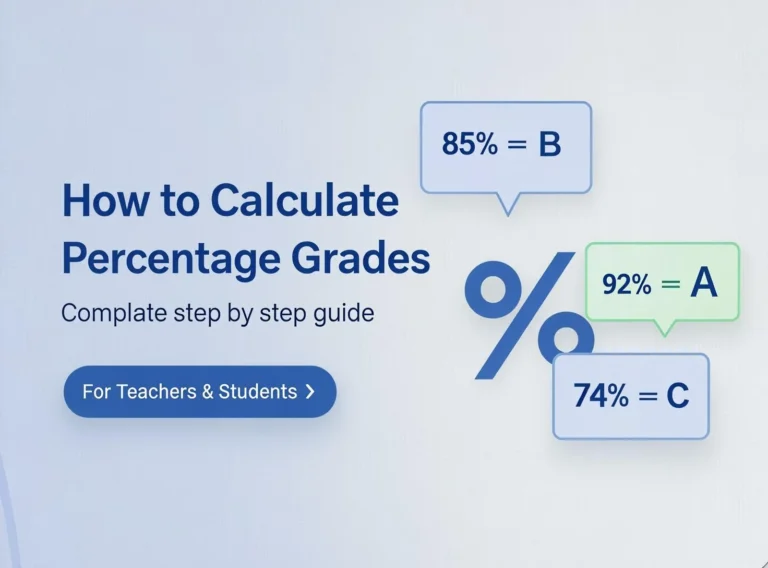
Percentage = (Correct Answers ÷ Total Questions) × 100Example: A student takes a 40-question test and gets 6 wrong.
Correct = 40 − 6 = 34
Percentage = (34 ÷ 40) × 100 = 85%
Letter Grade = B
An online EZ grader runs this calculation for every possible number of wrong answers and produces a full grading chart in one second. A teacher never has to repeat the same math for every single student.
What Do A B C D and F Mean?
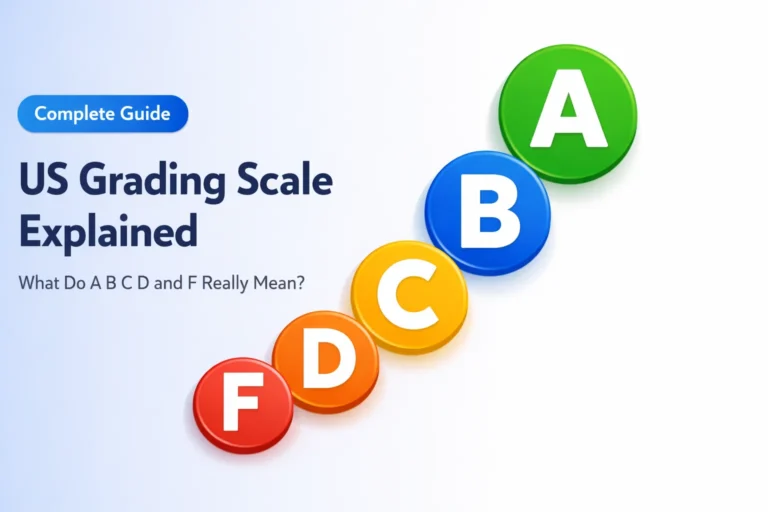
Every EZ grader uses the standard US grading scale to assign letter grades. Here is the full breakdown including percentage ranges and GPA values:
| Letter Grade | Percentage | GPA |
|---|---|---|
| A+ | 97% – 100% | 4.0 |
| A | 93% – 96% | 4.0 |
| A- | 90% – 92% | 3.7 |
| B+ | 87% – 89% | 3.3 |
| B | 83% – 86% | 3.0 |
| B- | 80% – 82% | 2.7 |
| C+ | 77% – 79% | 2.3 |
| C | 73% – 76% | 2.0 |
| C- | 70% – 72% | 1.7 |
| D+ | 67% – 69% | 1.3 |
| D | 63% – 66% | 1.0 |
| D- | 60% – 62% | 0.7 |
| F | Below 60% | 0.0 |
So a B- grade percentage sits between 80% and 82%. A score of 79% is a C+ not a B. And a 2.0 GPA equals a C grade. Knowing these exact boundaries helps both teachers and students understand results clearly.
For the complete breakdown of the grading system read our guide on the US grading scale explained.
What is a Grading Chart?
A grading chart shows every possible score outcome for a given test. When a teacher enters 40 total questions into an EZ grader the chart shows the grade for 0 wrong all the way to 40 wrong in one table.
Example grading chart for a 40-question test:
| Wrong | Correct | Score | Grade |
|---|---|---|---|
| 0 | 40 | 100% | A |
| 2 | 38 | 95% | A |
| 4 | 36 | 90% | A |
| 8 | 32 | 80% | B |
| 12 | 28 | 70% | C |
| 16 | 24 | 60% | D |
| 20 | 20 | 50% | F |
With this chart a teacher grades 30 papers by counting wrong answers and looking up each score. No division. No conversion. Just count and look up.
Who Uses an EZ Grader?
EZ graders are used at every level of education.
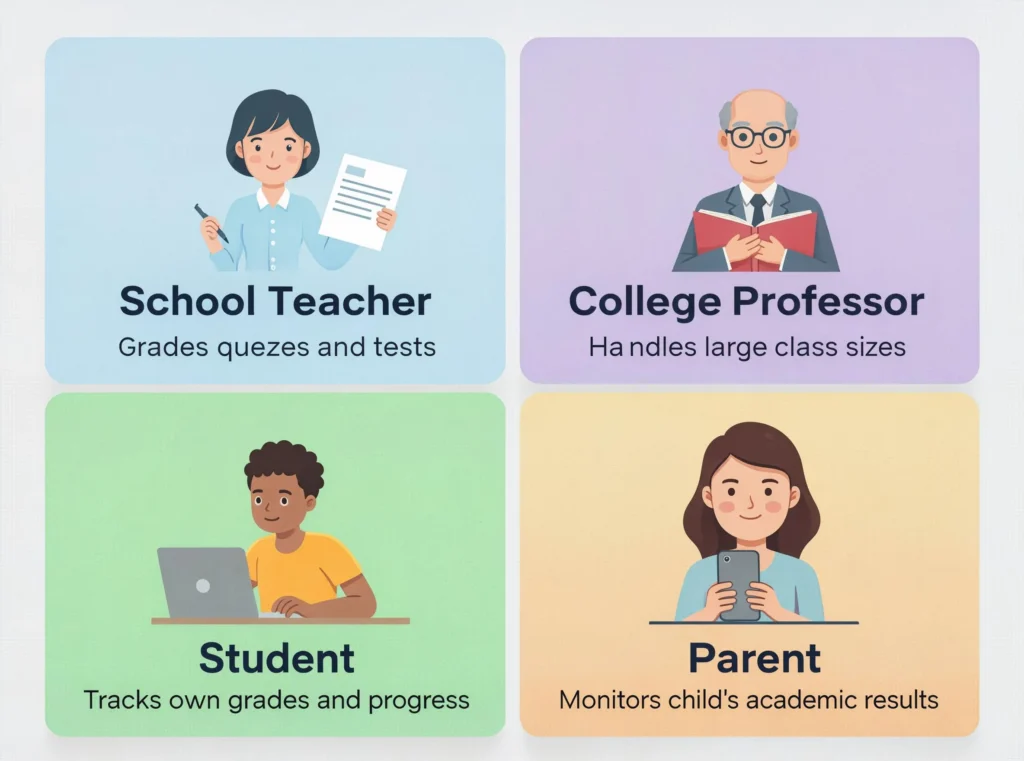
School Teachers grade weekly quizzes and chapter tests without doing repetitive arithmetic for every student. One grading chart covers the whole class.
College Professors use automatic graders to handle large class sizes with multiple choice exams quickly and accurately.
Students use grade calculators to check their own scores and track academic progress. Many students also use them to figure out what grade they need on their final exam before it happens.
Online Tutors grade daily assignments on any device without needing downloads or paid subscriptions.
Physical EZ Grader vs Digital EZ Grader
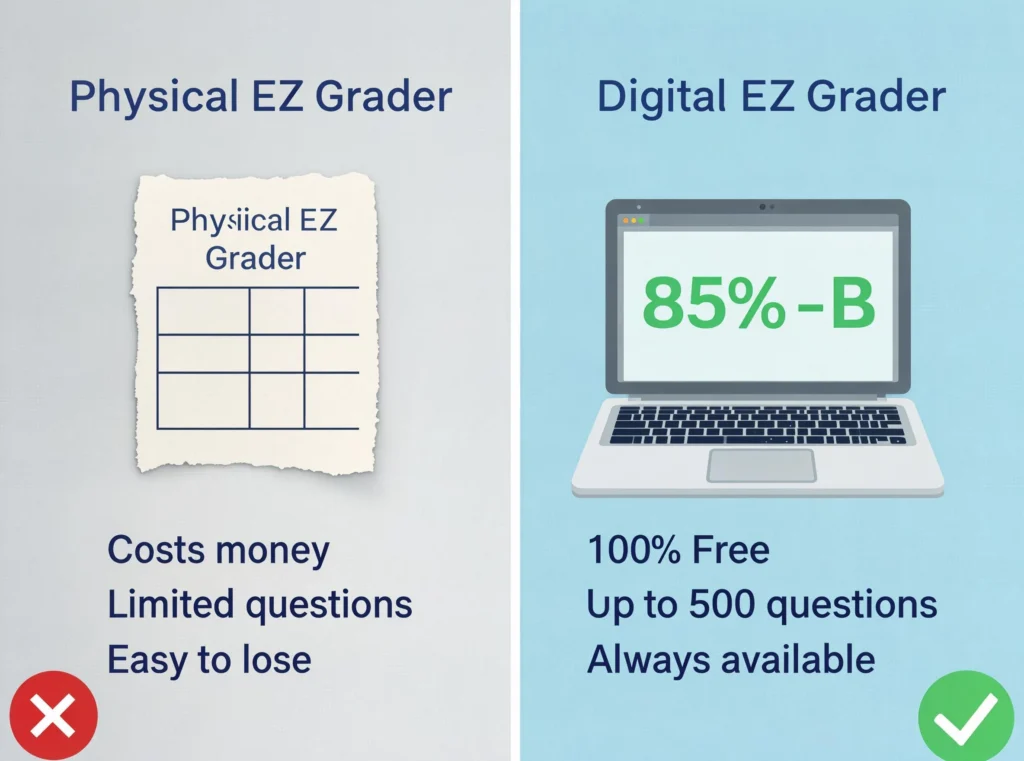
The paper sliding card worked for decades but digital tools are better in every way:
| Feature | Physical Card | Digital EZ Grader |
|---|---|---|
| Cost | Paid | Free |
| Max Questions | Limited | Up to 500 |
| Grading Chart | Manual reading | Auto-generated |
| Letter Grades | Not shown | Instant |
| Mobile Use | No | Yes |
| Error Risk | High | Zero |
The digital EZ grader is faster, more capable and always available on any device a teacher already owns.
How to Use Easy Grader Calc
Using this free online grade calculator takes under 10 seconds:
Step 1 — Open easygradercalc.com in your browser
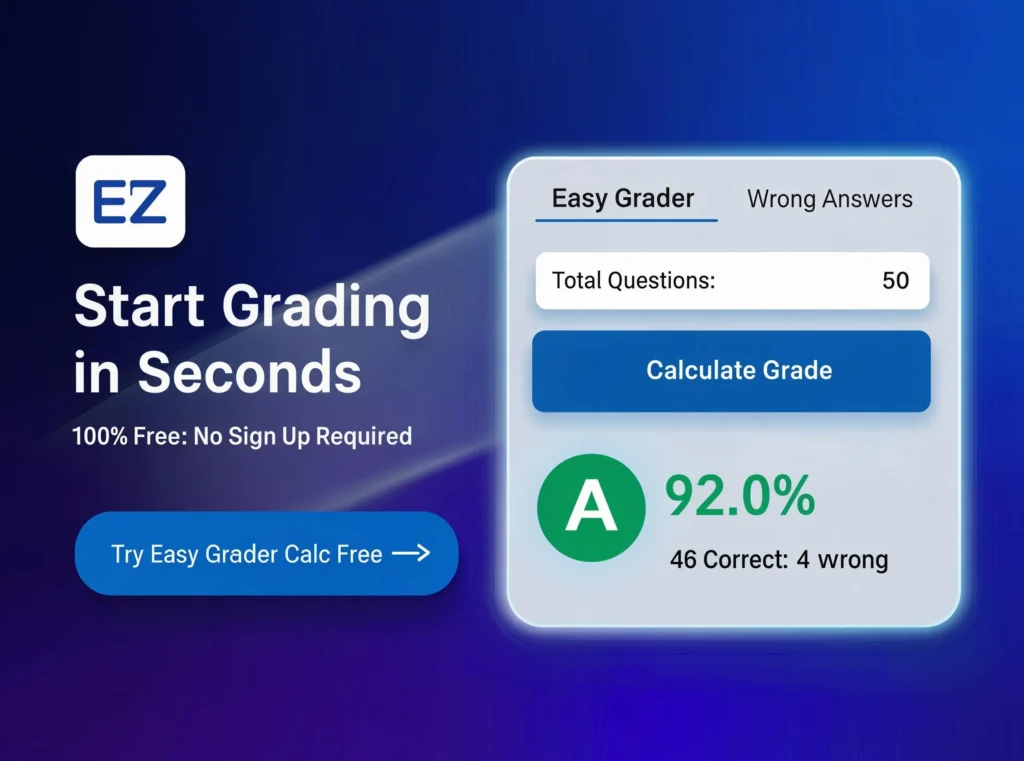
Step 2 — Enter your total number of questions. Example: 50
Step 3 — Enter the number of wrong answers. Example: 7
Step 4 — Click Calculate Grade
You instantly get the percentage score, letter grade, correct answers, wrong answers and a full automatic grading chart. No sign up. No download. No payment ever.
Tips for Getting the Most from an EZ Grader
Prepare the chart before class. Enter your total questions as soon as the test is finalized. Have the grading chart ready before any papers come in.
Use it on your phone. Easy Grader Calc works perfectly on mobile. Grade anywhere without needing a laptop.
Combine tools for complete grading. After individual tests use the average grader to combine multiple scores. Read our guide on how to calculate average grade from multiple assessments.
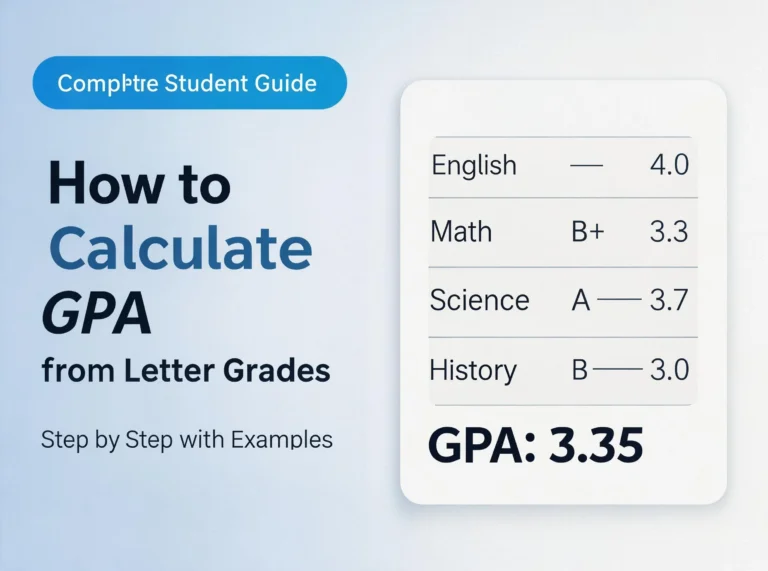
Help students track their GPA. Students often want to know what their grades mean for their GPA. Our guide on how to calculate GPA from letter grades covers every step clearly.
Frequently Asked Questions
What is an EZ grader? An EZ grader is a free online tool that converts total questions and wrong answers into a percentage score and letter grade. It also generates a complete grading chart automatically.
What does a B- grade percentage mean? A B- grade is between 80% and 82% on the standard US grading scale and equals 2.7 GPA points.
Is a 79% a B grade? No. A 79% is a C+ on the standard US grading scale. A B grade starts at 80%.
What is a 2.0 GPA in letter grades? A 2.0 GPA equals a C grade which sits between 73% and 76%.
How many questions can an online EZ grader handle? Easy Grader Calc supports up to 500 questions making it suitable for any test from a short quiz to a full standardized exam.
Is Easy Grader Calc free? Yes. Completely free. No account, no subscription and no hidden fees ever.
Can students use an EZ grader? Yes. Students use it to check scores, track progress and plan study priorities. Research from Edutopia{:target=”_blank” rel=”noopener”} shows that timely grade feedback significantly improves student learning outcomes.
Conclusion
An EZ grader is one of the most practical time-saving tools in education. It turns repetitive manual math into an instant calculation. Whether you are a teacher grading 200 papers or a student checking a single score the result appears in seconds.
The paper sliding card started this tradition decades ago. Today free digital tools carry it forward — faster, smarter and on every device you own.
Try Easy Grader Calc free today — no sign up, no download and no payment ever required.